How to design a streak
A streak counts how many days in a row someone has done the thing your app is for. A well-designed streak shows that progress the moment the app opens, marks the days that matter and says clearly what happens after a missed day.
Decide what counts as a day
Start with the rule, before any screen. A streak needs one action that is easy to understand and that helps the user: a finished lesson in a language app, a logged meal in a tracker, a day under the limit in a screen-time app.
Opening the app is a weak rule. The number keeps growing, but the user gets nothing from it.
Show it with the mascot
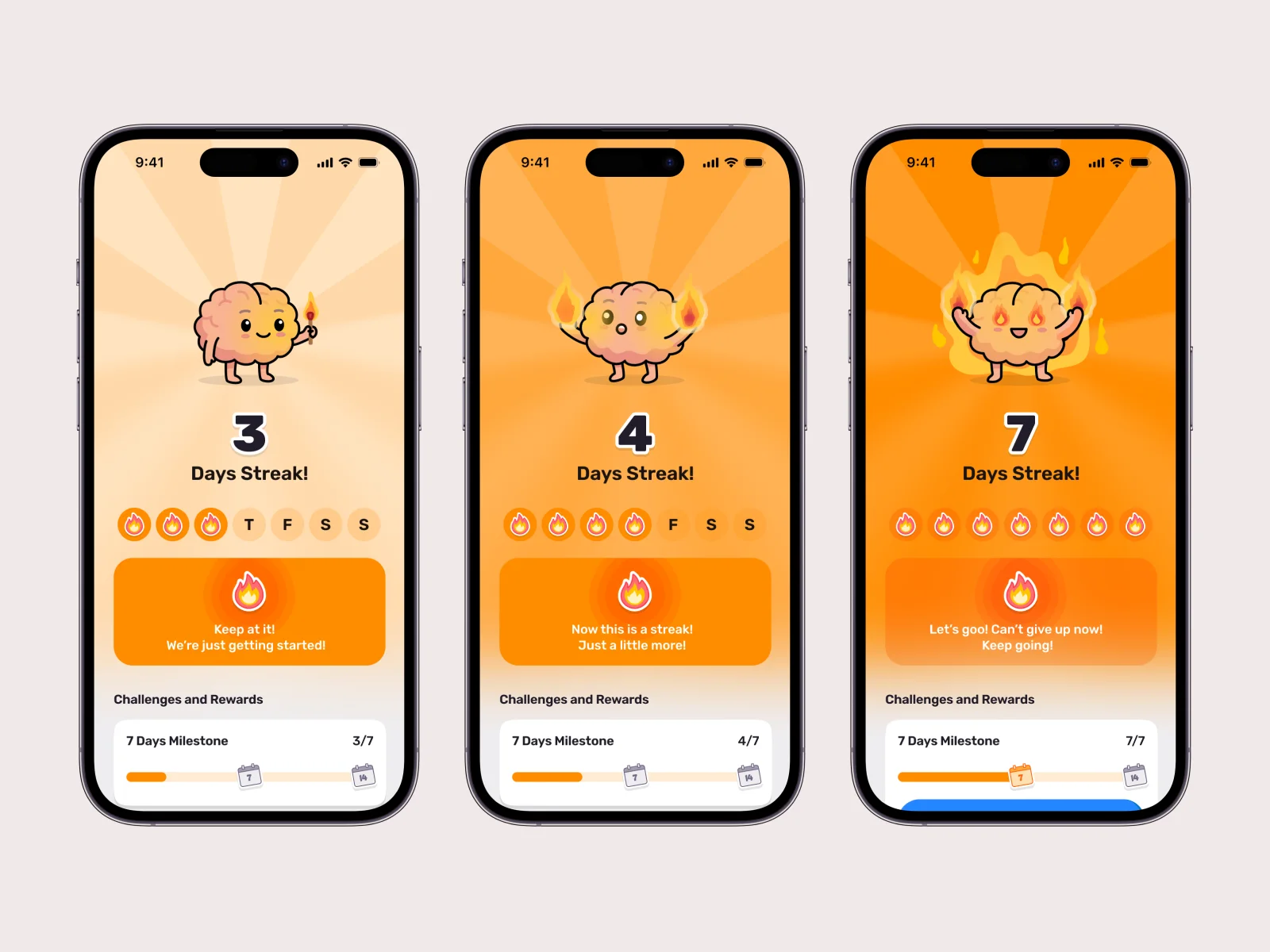
A counter on its own is easy to overlook. In Brainrot the mascot shows the streak: the brain holds a match on day three, has flames in both hands on day four and is fully on fire on day seven. The background turns a deeper orange with each stage, so you can tell how far along you are before you read anything.
Below the mascot, a row for the week shows which days are done. It answers the first question people have on this screen: did today count?
Mark the milestones
Not every day needs a celebration. Pick a few and make them worth reaching. In Brainrot the first milestone is at seven days, and a progress bar shows how far away it is. Reaching it unlocks a reward, and keeping a streak unlocks themes that change the whole home screen. The app launched with five.
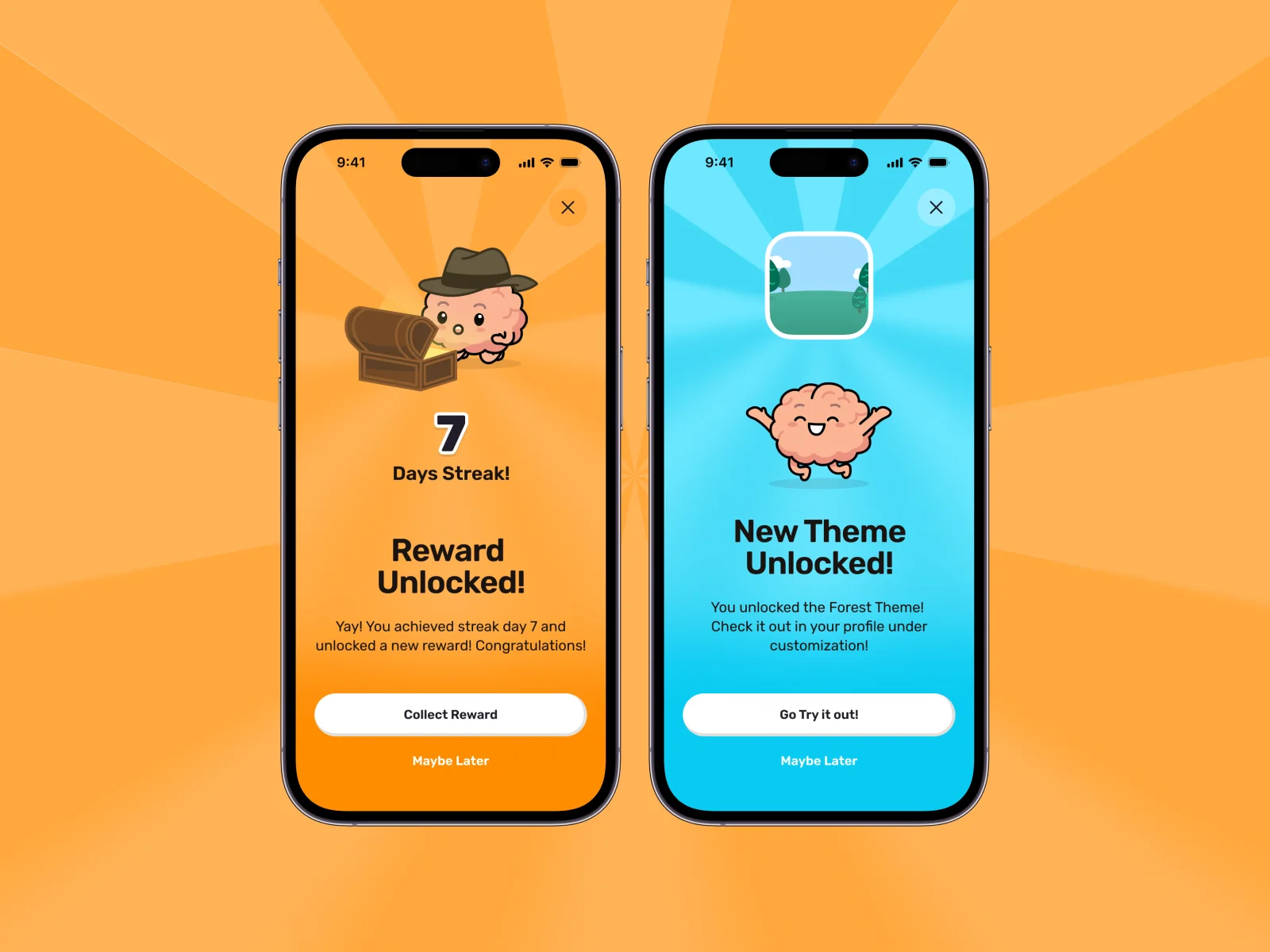
A theme is a reward the user keeps seeing every day afterwards.
Write a line for each stage
The words change with the streak as well. Brainrot says “Keep at it! We’re just getting started!” on day three and “Let’s goo! Can’t give up now!” on day seven. Each stage gets its own short line in the voice of the mascot.
Plan the missed day
Sooner or later every streak breaks. Decide early what happens then, because it changes the screens you need:
- Reset: the count goes back to zero. Simple, and hard on someone who had 40 days.
- Freeze: a missed day is forgiven a limited number of times.
- Repair: the streak can be restored by doing something extra the next day.
Whatever the rule, design the screen for it. The mascot can be sad about a lost streak without blaming the user, and the next step should be one tap away.
The screens you need
- The streak screen in each stage
- The week view
- Milestone progress
- The reward screen
- The screen for a broken streak
- A widget or notification that shows the streak outside the app
Streaks are one part of gamification design. In an app design project we plan them together with rewards, challenges and success screens.
Common questions
What is a streak in an app?
A streak is a count of the days in a row on which a user has completed a set action. It is a common gamification element in habit, learning and health apps.
How long should the first milestone be?
Short enough to reach in the first week or two. In Brainrot the first milestone is at seven days and the next at 14.
Does a streak need a mascot?
No, but a mascot makes the streak visible without reading. A brain that has caught fire says more about day seven than the number 7.
Are streaks manipulative?
They can be, if the only goal is to bring people back. Tie the streak to the thing the user came to the app for, and make it easy to recover from a missed day.
Last updated:
Projects in this guide
Brainrot
Branding, mascot, 100+ app screens and around 70 animated brains for a screen-time app, delivered in three months.
Read the case study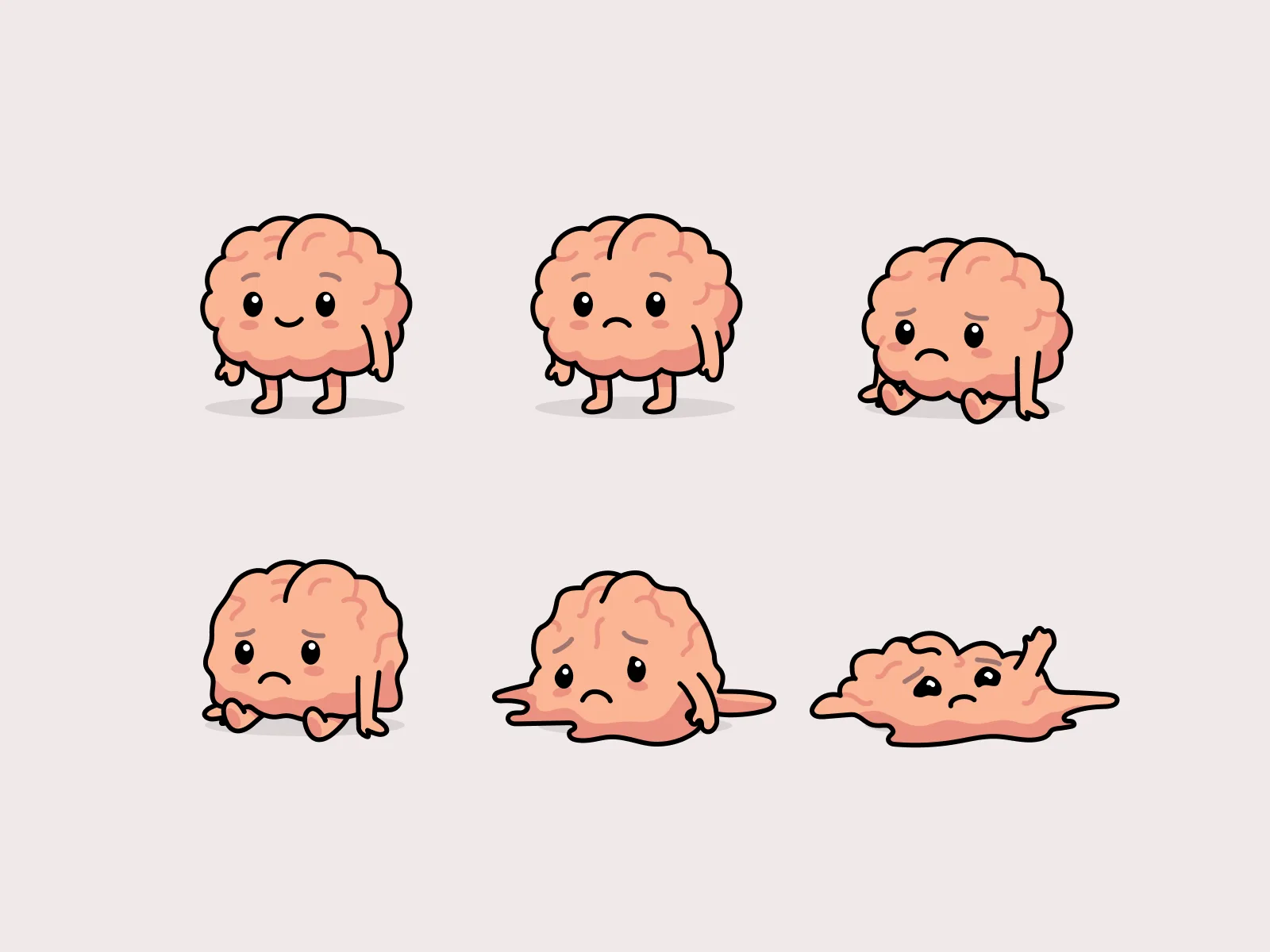

Detach
Full rebrand, mascot, illustration world, animation, website and iOS app design for a screen-time app.
Read the case study